Open the checkout
Use any Book a Day Pass button on the site to open The Valley's checkout page.
Coworking guide · The Valley Hub
Buy a Day Pass or membership, set up the Valley app, and use your phone to unlock the space at 9 West Main Street.
The short version: book, check your email, download the app, and tap the key when you arrive.
Coworking access
A Day Pass gives one person 24 hours of access beginning with the first door unlock.
Use any Book a Day Pass button on the site to open The Valley's checkout page.
Select Day Pass. Choose the quantity you need; the 10-pack is available for people planning several visits.
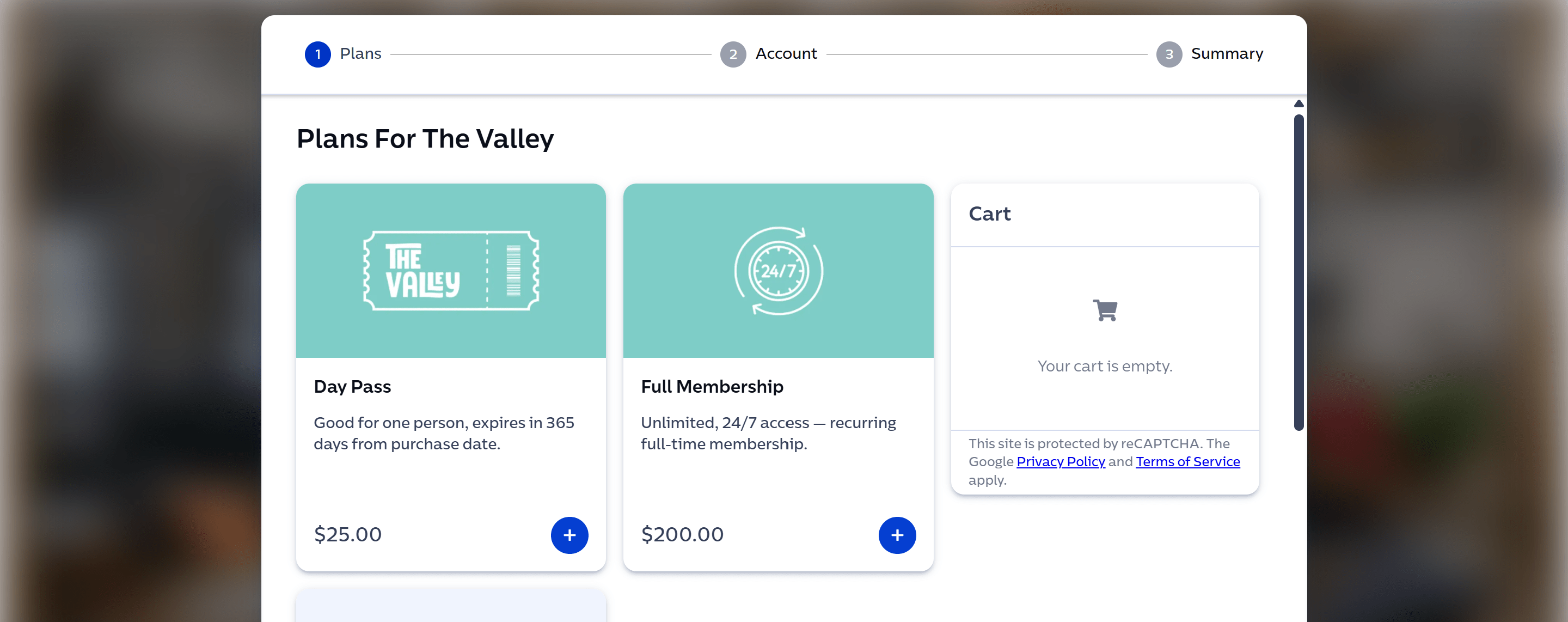
Enter your account and payment details, then complete checkout.
Your pass activates when you first unlock the space, not when you purchase it.
The active pass lasts 24 hours. An unused pass expires after one year.
Your receipt includes a link to download the Valley app. If you already use the app, future passes can be purchased there.
Open the app and sign in with the email address used at checkout. Finish the requested account details.
When you are near a coworking door, open the key in the bottom-right corner of the app and tap to unlock.
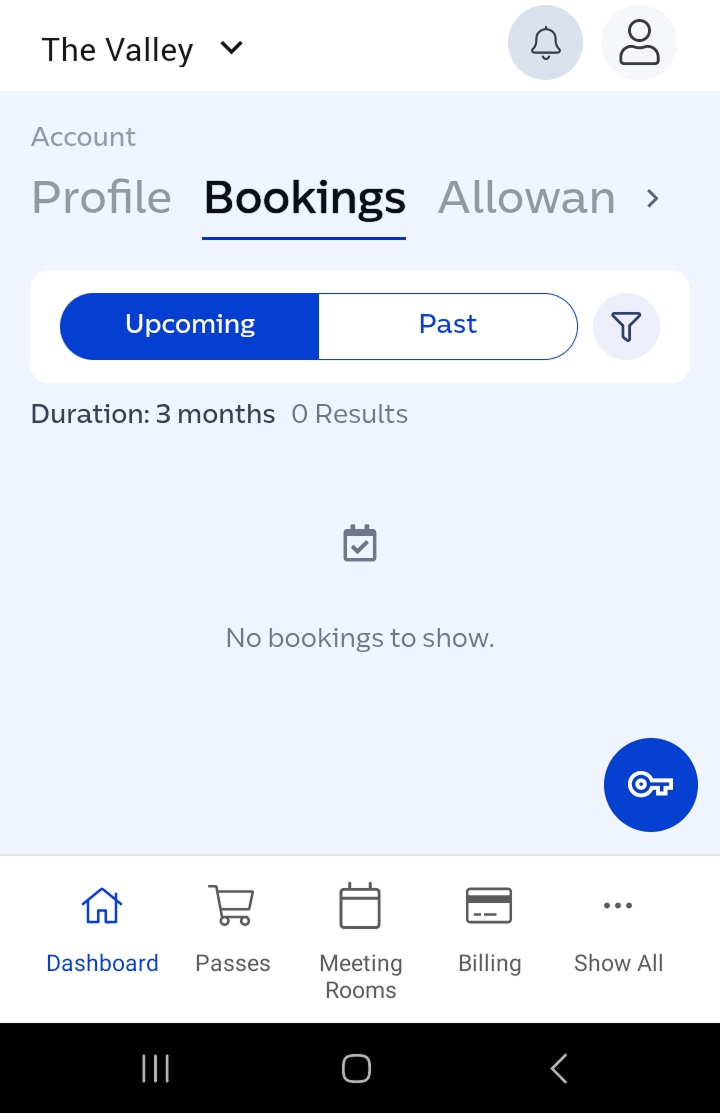
You're all set. Find a desk, connect to the Wi-Fi, and get to work.
Coworking access
Membership gives you unlimited workdays and 24/7 member access on a month-to-month basis.
Use the Become a Member button on the Space page to open The Valley's checkout.
Select Membership and choose the date you want access to begin. Update the quantity if you are buying for a team.
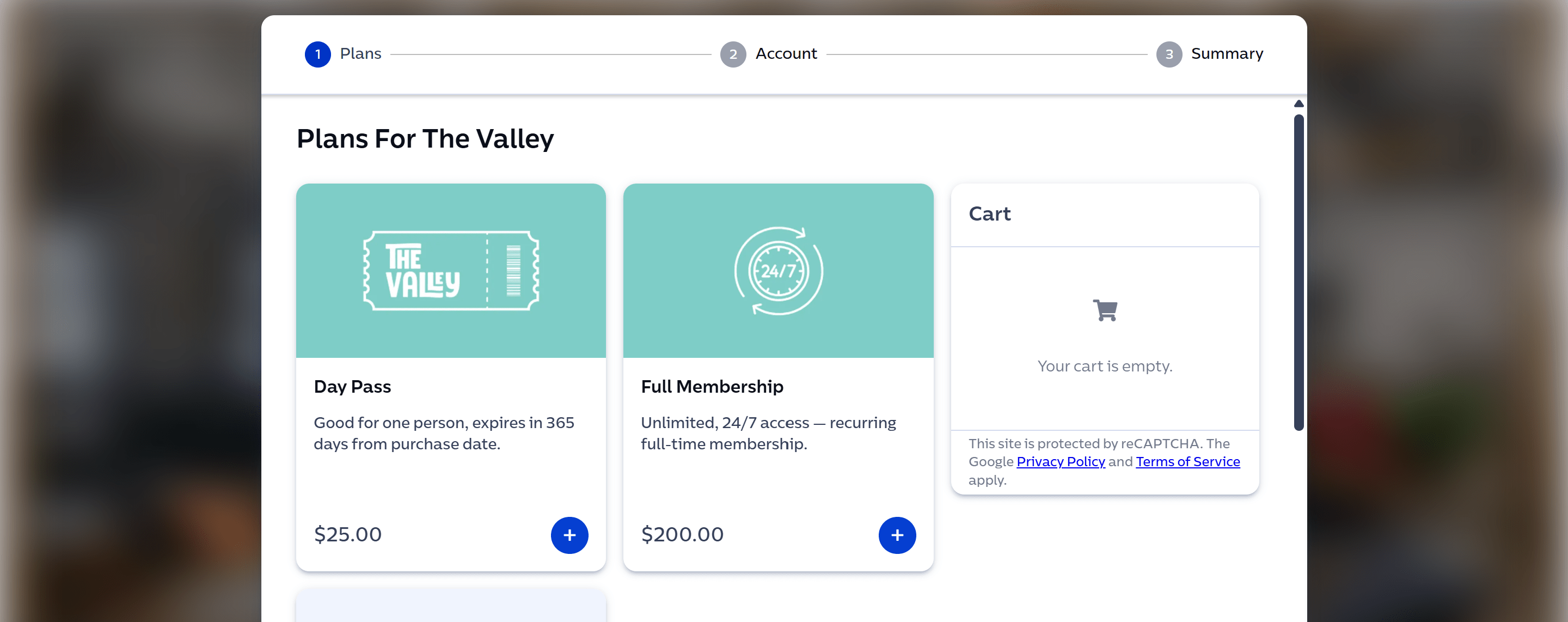
Enter your account and payment details, then complete checkout.
Membership activates on the start date you select.
The membership pass covers one month from activation.
Your receipt includes a link to download the Valley app.
Open the app and sign in with the email address used at checkout. Finish the requested account details.
When you are near a coworking door, open the key in the bottom-right corner of the app and tap to unlock.
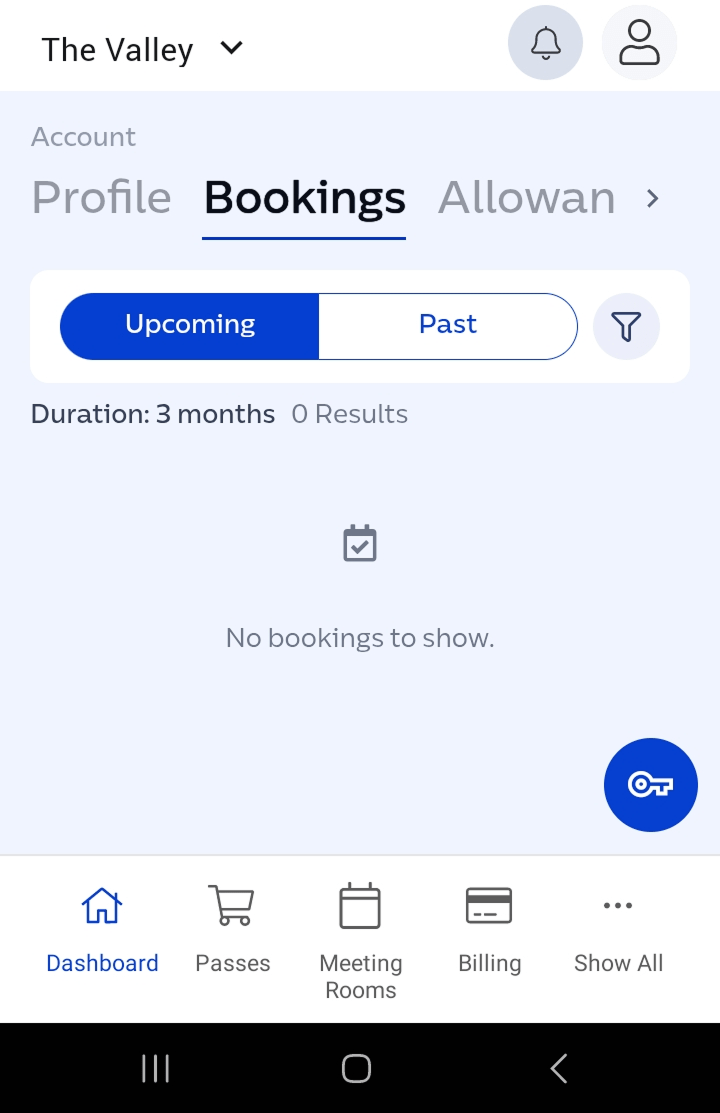
You're all set. Your phone is now your key to The Valley.
Need a hand?
If the app or door gives you trouble, call The Valley. We would rather help than leave you outside reading instructions.
Call (518) 769-6831