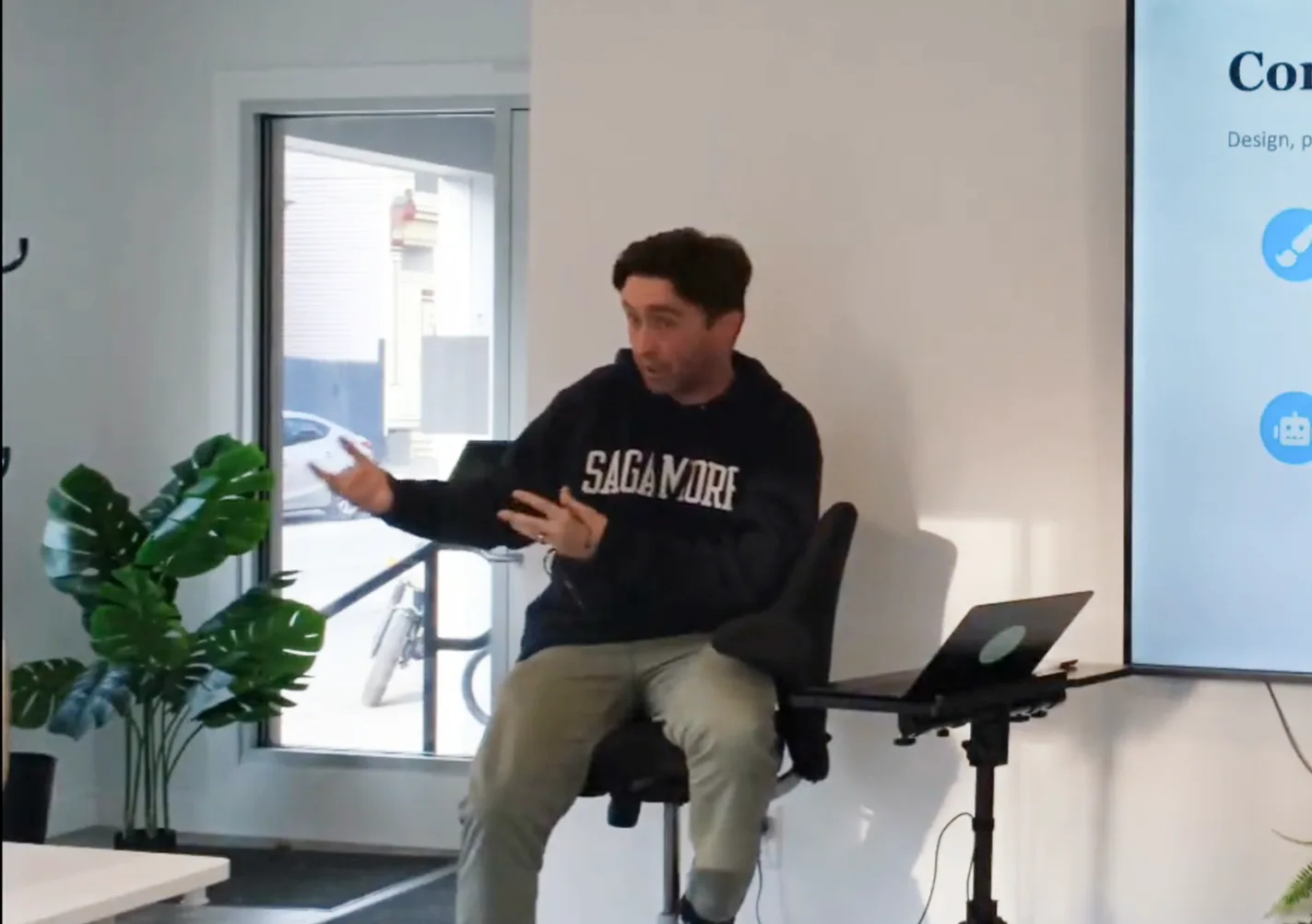
Earlier this week Andrew Flynn gave a talk on the software setups small businesses should be using in 2026.
I find this to be a very timely event given us being in a period of rapid tech innovation. We’ve all seen a wide array of tools hit the market that claim to solve our problems. So Andrew broke down what’s B.S. and what is actually worth your dollar so you don’t have to sort through the thousands of software programs advertised.
If you’re more of a video person, here are the highlights:
He started the evening off with the “core stack”. The essentials. The tools just about any business needs.
Google Voice:
Google Voice lets you spin up a business phone number on your personal cellphone. It’s a nice alternative to buying a separate phone, it has spam protection, and works great if you have employees who need access to it.
Claude:
If you haven’t already started using this general AI model, you’re missing out. Andrew has a whole talk on what it’s capable of. Check it out below:
Ring Camera:
If you’re brick and mortar. These are a great camera option. They are cost effective. And connect well with modern phones so you can see if anyone broke into your establishment with ease.
QuickBooks Online:
Andrew stressed NOT QuickBooks Desktop. Rather QuickBooks Online is the move. It’s still accounting software so nothing too thrilling about it. But it’s flexible, can connect with most mainstream software and accountants will be familiar with it.
Zapier:
This tool is the glue that connects things together. Zapier uses drop downs, so you don’t need to know how to code. It’s free until you pass a threshold of uses. So next time you want something like your mailing list to update when a google sheet does, check this out.
If you’re curious about the rest of the core software, below are the slides:
The Specifics
Later in the presentation, Andrew went into specifics on each type of business model because they all have a slight variation of software built on top of that core stack.
To sum it up Andrew suggests:
If you’re Standard (Services & Consulting) check out:
- Squarespace – Website + scheduling
- Square – Invoicing + mobile payments
If you’re Ecommerce (Online Sellers & DTC) check out:
- Shopify – Website + store + payments
- ShipStation – Shipping + fulfillment
- Intercom – Customer support / live chat
If you’re Not For Profit/Donor Based check out:
- Squarespace – Website
- Little Green Light – Donor CRM + gift mgmt
- Square – Donations + event payments
If you’re Register (Brick & Mortar) check out:
- Squarespace – Website + scheduling
- Square POS – Register + inventory
One thing to think about when selecting software (or even hardware) is to map it out with the customer’s journey. That thought process will lead to a better business flow and happier customers which at the end of the day is the most important thing. No matter what type of business you’re running, Andrew’s suggestions are a solid software foundation that can make your and the customer’s life easier. For more free events at The Valley, follow us on socials, or sign up on the mailing list.
Until next time,
Charlie